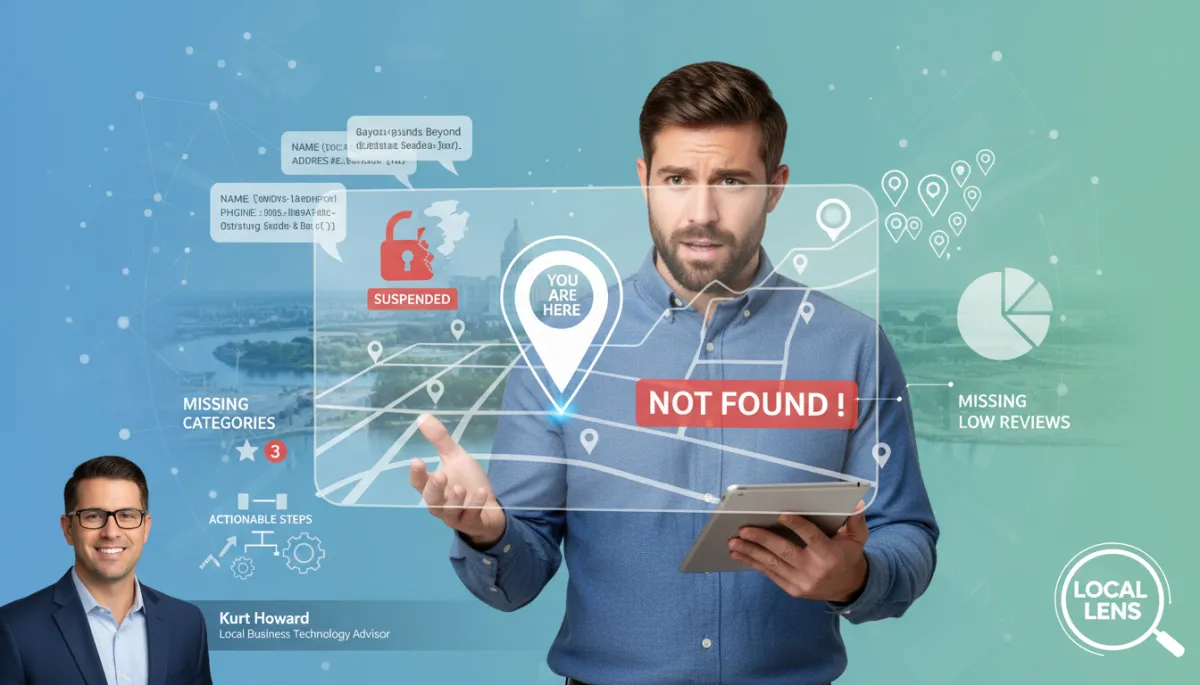
Fix Your Baton Rouge Business on Google Maps
Local SEO, Google Maps, Baton Rouge Small Business
Why Isn’t My Business Showing Up on Google Maps?
You’re a Baton Rouge small business owner. You pull out your phone, type your business name into Google Maps, expecting to see that little red pin on Government Street or Bluebonnet. Instead, nothing. Or worse, you see your business with the wrong hours, old address, or a phone number you haven’t used in years. It’s frustrating, it’s confusing, and it can absolutely cost you customers who are ready to buy right now.
I’m Kurt Howard, Local Business Technology Advisor here in Baton Rouge. I work with local owners every week who ask the same question: “Why can’t people find my business on Google Maps?” The good news is, in most cases, this isn’t a mystery—it’s fixable with some focused steps and a bit of patience.
1. Unverified or Suspended Google Business Profile
Your Google Business Profile is the backbone of your Google Maps business listing. If it’s not verified—or if it’s been suspended—Google may hide it from local search visibility, even when someone types your exact business name.
How to fix it:
- Go to business.google.com and sign in with the email you use for your business.
- If your profile says “Verify now”, follow the steps—usually a postcard, phone, or email verification.
- If you see a suspension notice, carefully review Google’s guidelines, fix any issues (like virtual addresses or keyword-stuffed names), then submit an appeal with clear documentation.
2. Inconsistent NAP Data Across the Web
NAP stands for Name, Address, Phone. Google cross-checks your business details across the web—on directories, social profiles, and your website. If your NAP data is inconsistent (Suite vs. Ste., old phone number, different spellings), your Google Maps business listing can slip in the rankings or be harder to trust.
How to fix it:
- Decide on a single, exact version of your name, address, and phone—down to abbreviations and punctuation.
- Update your website, Facebook page, and major directories (Yelp, Bing, Apple Maps, Yellow Pages, etc.) to match that exact format.
- Recheck your Google Business Profile to be sure the NAP details align perfectly.
3. Missing or Incorrect Business Categories
Categories tell Google what you actually do. If you choose vague or incorrect categories—or skip them entirely—your local search visibility suffers. A Baton Rouge “roofing contractor” that’s listed only as “contractor” will lose out to competitors who chose more specific categories.
How to fix it:
- In your Google Business Profile, edit your primary category to match your main service (for example, “Plumber,” “Coffee shop,” or “Personal injury attorney”).
- Add a few secondary categories that reflect other services you truly offer, without overloading the list.
- Avoid “keyword stuffing” in your business name; keep the optimization focused on categories and description instead.
4. Low Review Count and Weak Engagement
When two businesses are side-by-side on Google Maps, the one with more recent, positive reviews usually wins the click. If you have only a couple of old reviews—or none at all—Google may show you lower in the list, even if your address is right in the heart of Baton Rouge.
How to fix it:
- Create a simple system to ask happy customers for Google reviews—via text, email, or a printed card with a QR code.
- Respond to every review, good or bad, in a calm, professional tone that shows you care about service.
- Make review requests a weekly habit, not a one-time push, so your profile stays active and fresh.
5. Competitor Proximity and Local Competition
In busy parts of Baton Rouge—Mid City, downtown, or near LSU—Google Maps may show only a handful of businesses in the “local pack.” If several competitors are closer to the searcher’s location, or have stronger profiles, your listing can be pushed out of sight even if everything is technically correct.
How to fix it:
- Fully complete your Google Business Profile—photos, hours, services, description, and FAQs—to stand out from nearby competitors.
- Use Google Posts to share specials, events, or updates that show Google your business is active and relevant.
- Build a strong review profile and consistent NAP data so Google has more reasons to rank you higher.
How Local Lens Helps Baton Rouge Businesses Be Seen
As part of my local visibility work in Baton Rouge, I use a framework I call Local Lens to look at your entire online presence—not just your Google Maps business listing. We review your Google Business Profile, NAP consistency, website, reviews, and competition to pinpoint exactly why you’re not showing up, then build a practical step-by-step plan to fix it. The focus is simple: help real customers in Baton Rouge find you quickly, trust you faster, and choose you over the business down the street.
You don’t need to become an SEO expert to improve your local search visibility. You do need clear information, a few simple systems, and someone who understands how Google treats small businesses in our market.
Have questions about your business's online visibility in Baton Rouge? Reach out to Kurt Howard, Local Business Technology Advisor.